Mobile Payment
Alipay
(1) Download the Alipay App from the mobile app store or the Alipay official website.
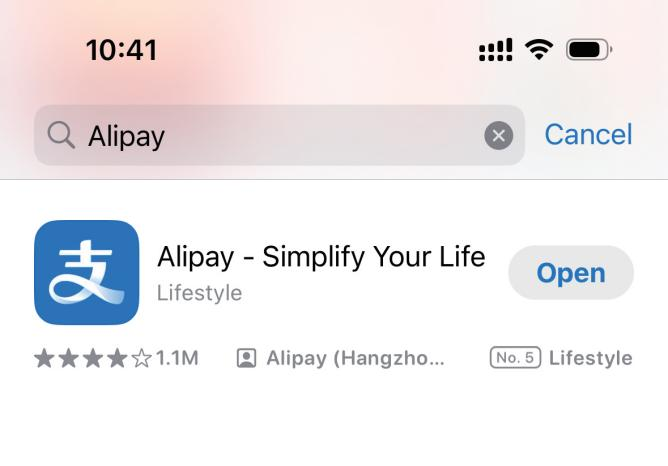
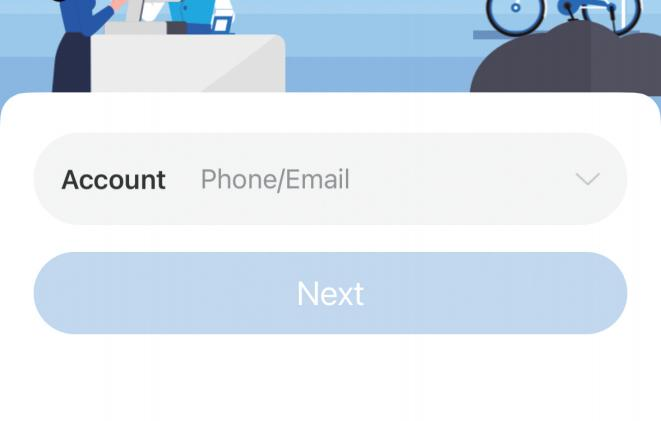
(2) Open the Alipay App and register or log in using your mobile phone number.
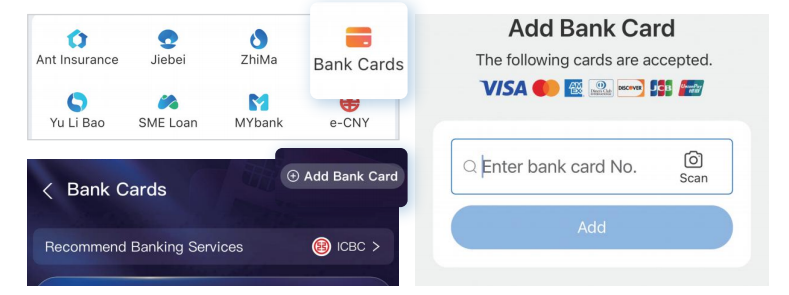
(3) Link your bank card in the Alipay App.
Tips
Alipay currently supports the linking of Visa, Mastercard, JCB, Diners Club, Discover and other bank cards.
Click "Add Now" to enter the card linking page and follow the prompts to bind your card.
(4) Scan the QR code to pay.
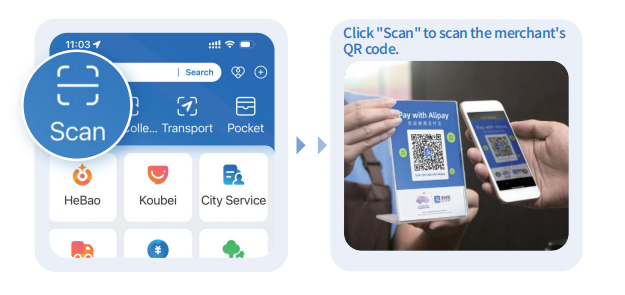
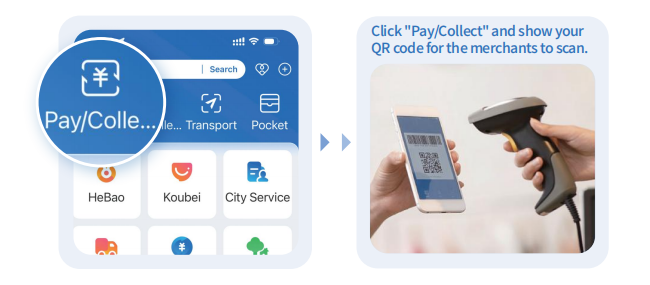
There are two modes: active scanning (Mode 1) and passive scanning (Mode 2).
Mode 1 :
Click "Scan" to scan the merchant's QR code.
Mode 2 :
Click "Pay/Collect" and show your QR code for the merchants to scan.
Follow the prompts to complete the payment process.
Tips | Alipay service hotline
Call from abroad: (86-571) 2688-6000
Call from within China: (0571) 2688-6000
WeChat Pay
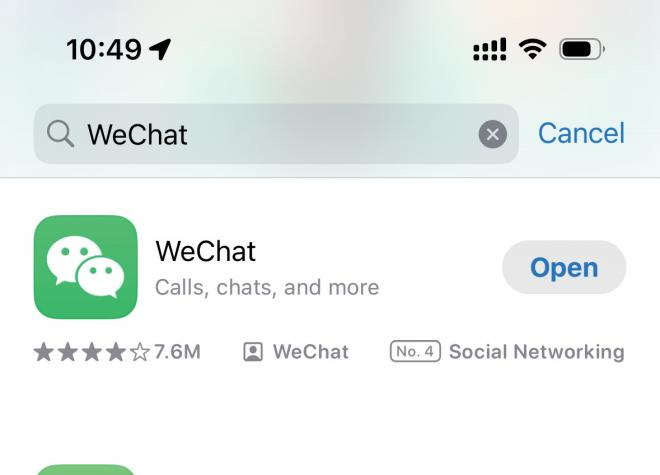
(1) Download the WeChat App from the mobile app store.
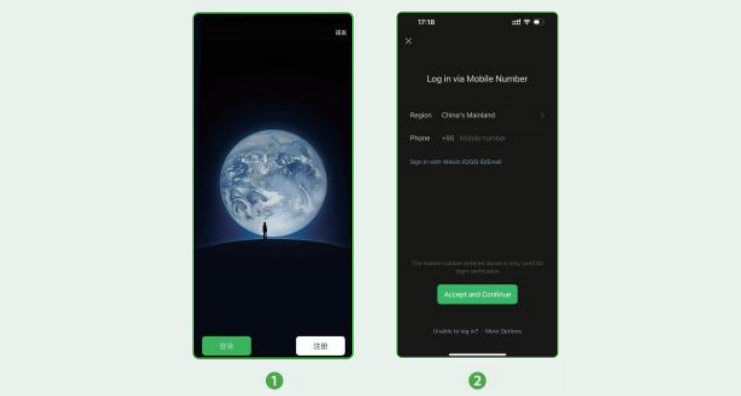
(2) Open the WeChat App and register or log in using your mobile number.
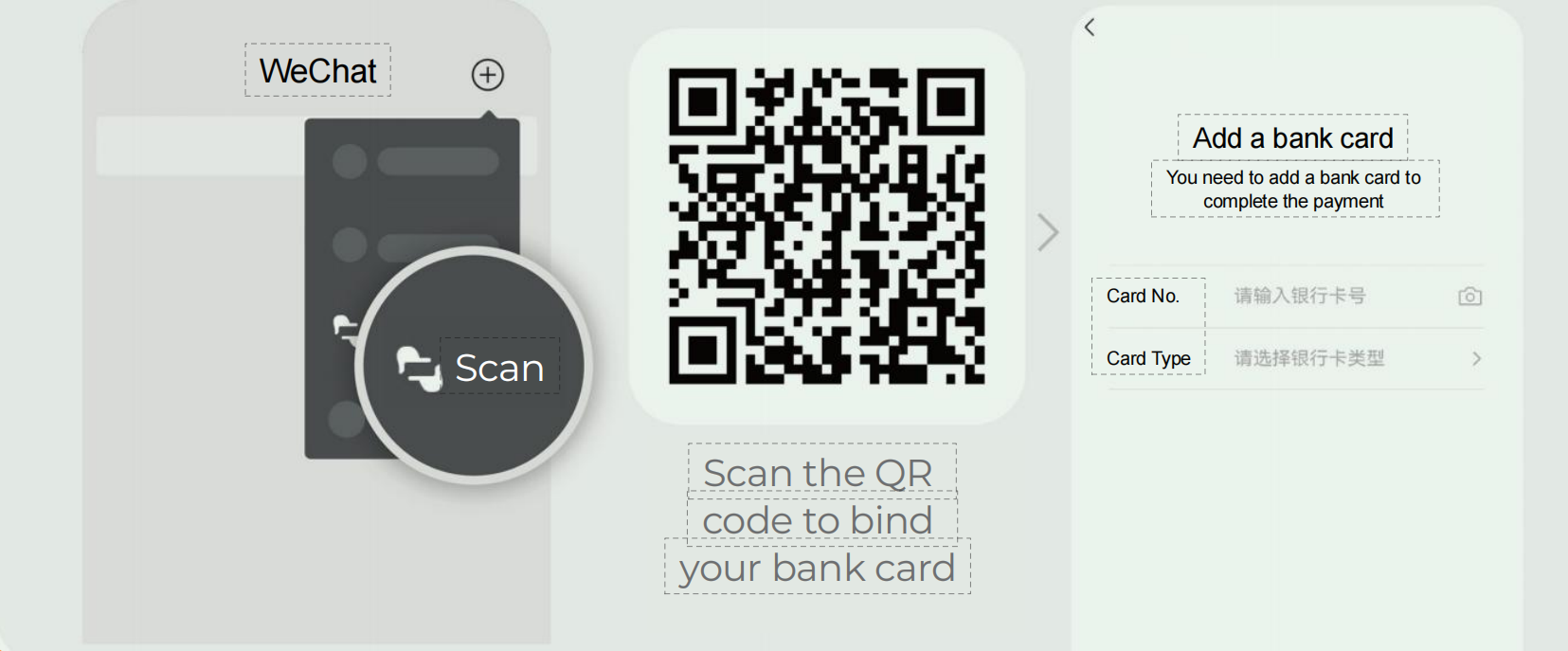
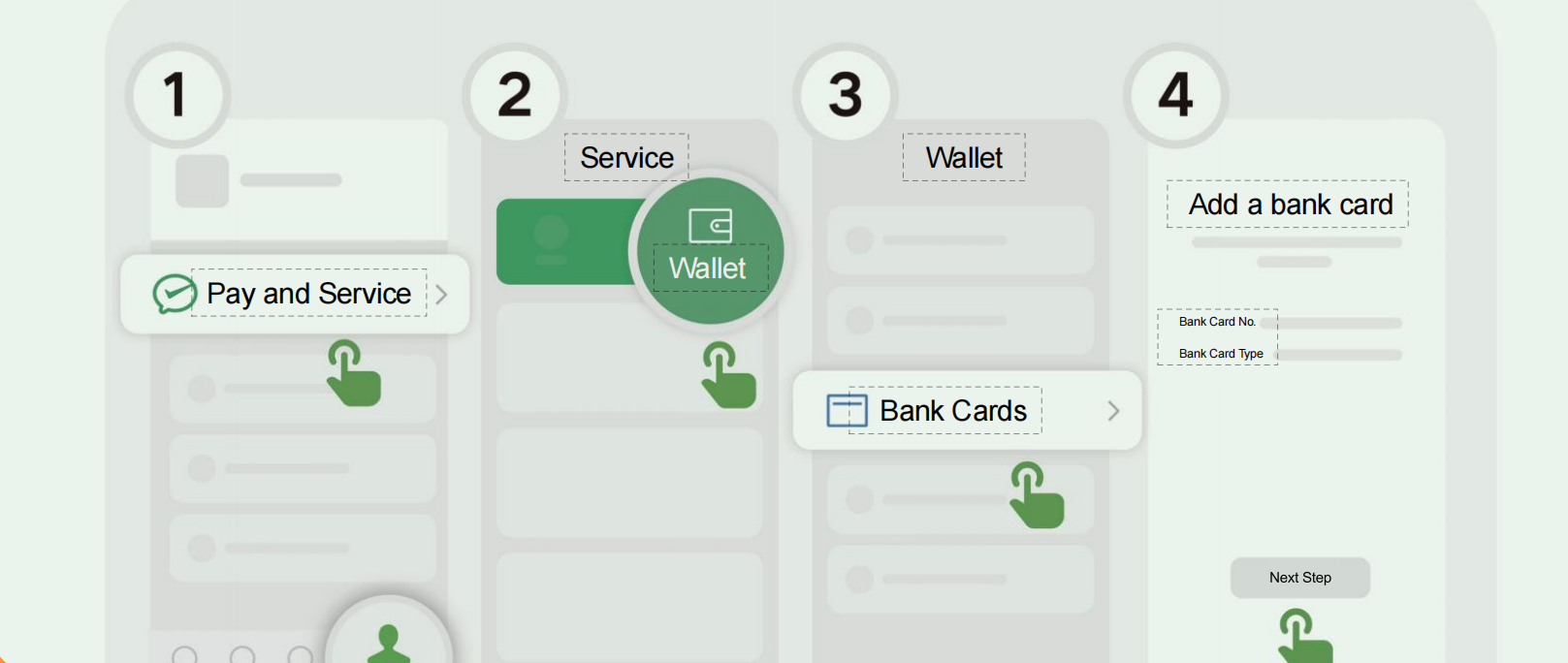
(3) Link your bank card in the WeChat App.
Mode 1 :
Mode 2 :
Tips
WeChat Pay currently supports the linking of Visa, Mastercard, American Express, JCB, Diners Club, Discover and other bank cards.
Follow the on-page prompts to link your bank card.
(4) Scan the QR code to pay.
There are two modes: active scanning (Mode 1) and passive scanning (Mode 2).
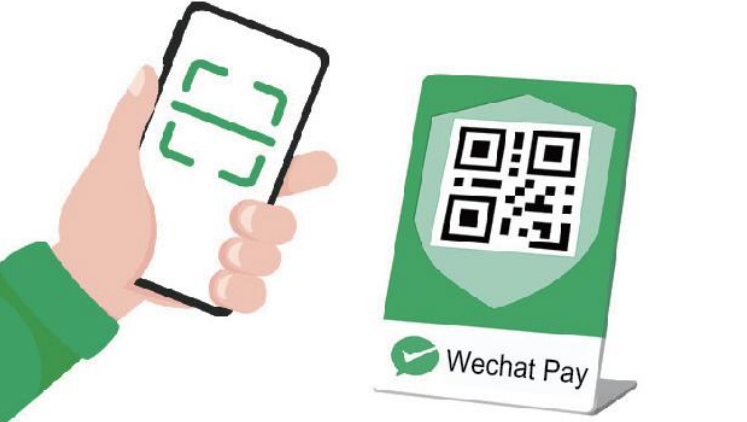
Mode 1 :
Click "Scan" to scan the merchant's QR code.
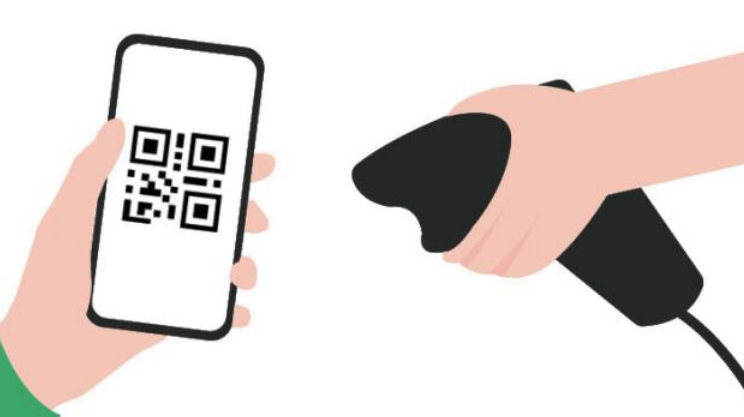
Mode 2 :
Click "Money" and show your QR code for the merchants to scan.
Follow the prompts to complete the payment process.
Tips | WeChat service phone number
Call from abroad: (86-571) 95017 Call from within China: 95017
Cloud QuickPass
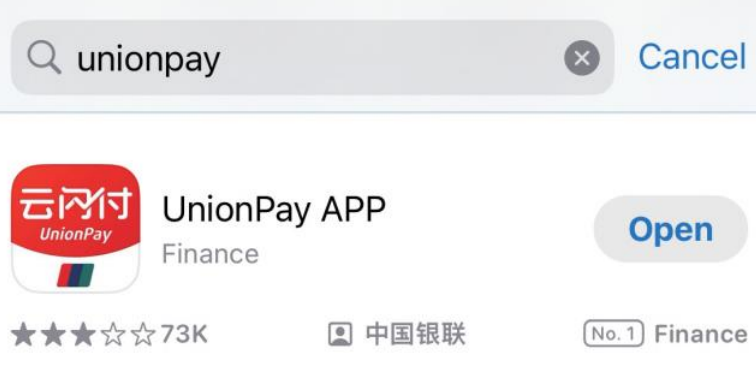
(1) Download the UnionPay QuickPass App from the mobile app store or the UnionPay official website.
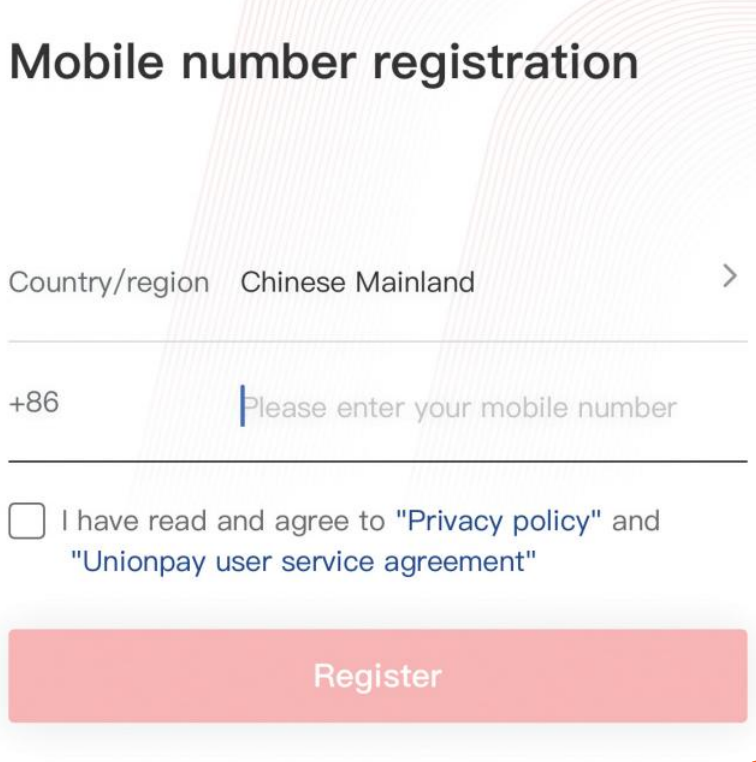
(2) Register and log in using your mobile number.
(3) Link your bank card to the App.
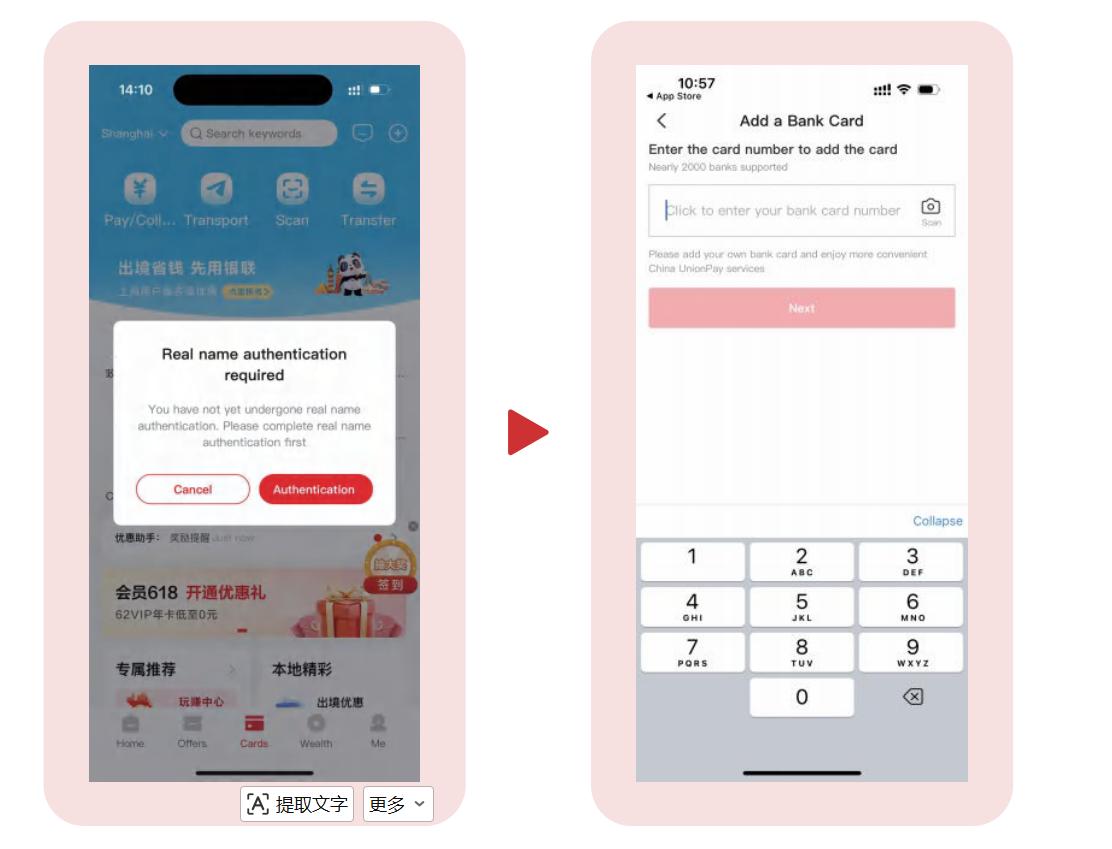
Click "Next Step" to enter the card linking page. Follow the prompts to link your card.
(4) Scan the QR code to pay.
There are two modes: active scanning (Mode 1) and passive scanning (Mode 2).
Mode 1:
Click "Scan" to scan the merchant's QR code.
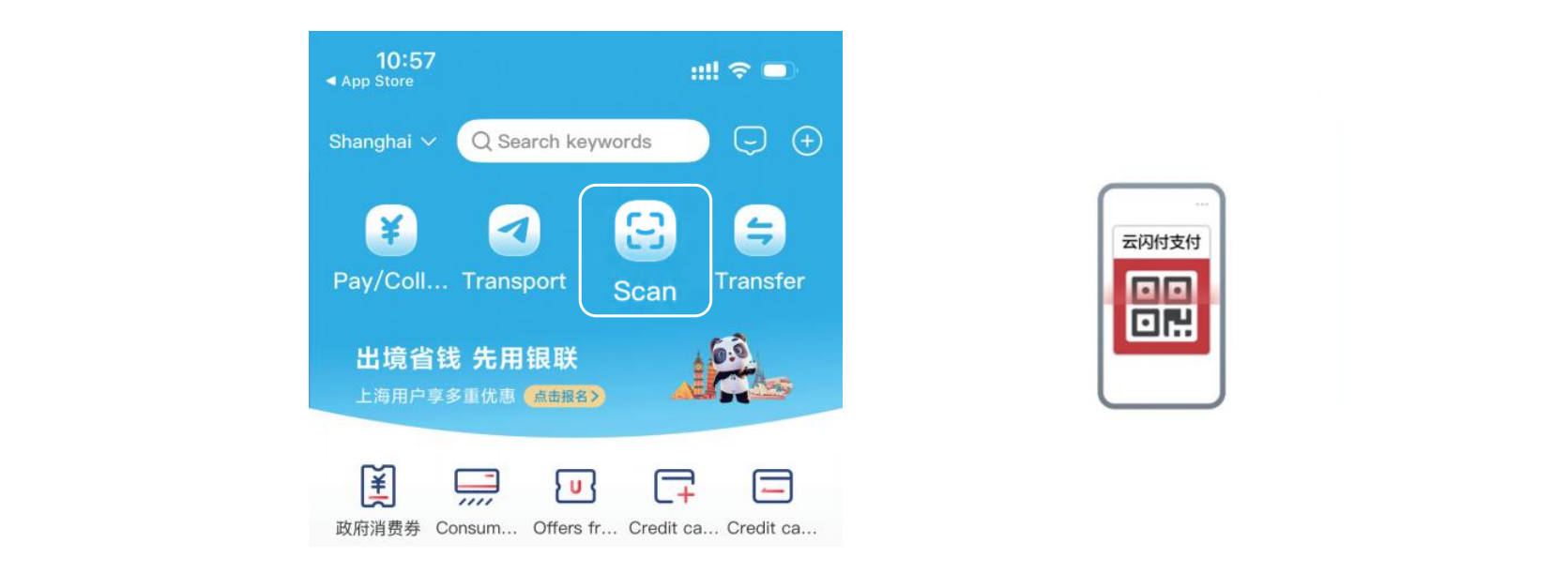
Mode 2:
Click "Pay/Collect" and show your QR code for the merchants to scan.
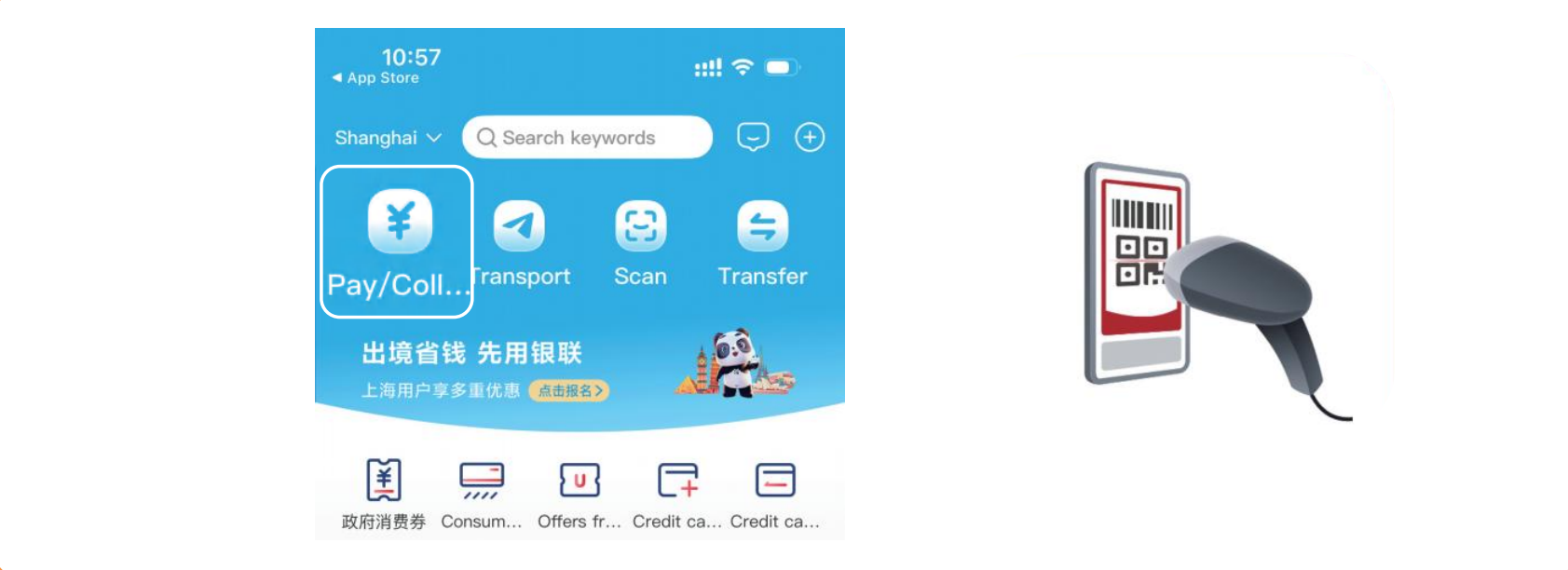
Follow the prompts to complete the payment process.
Cloud QuickPass service hotline
Please dial: 95516
Travel Pass
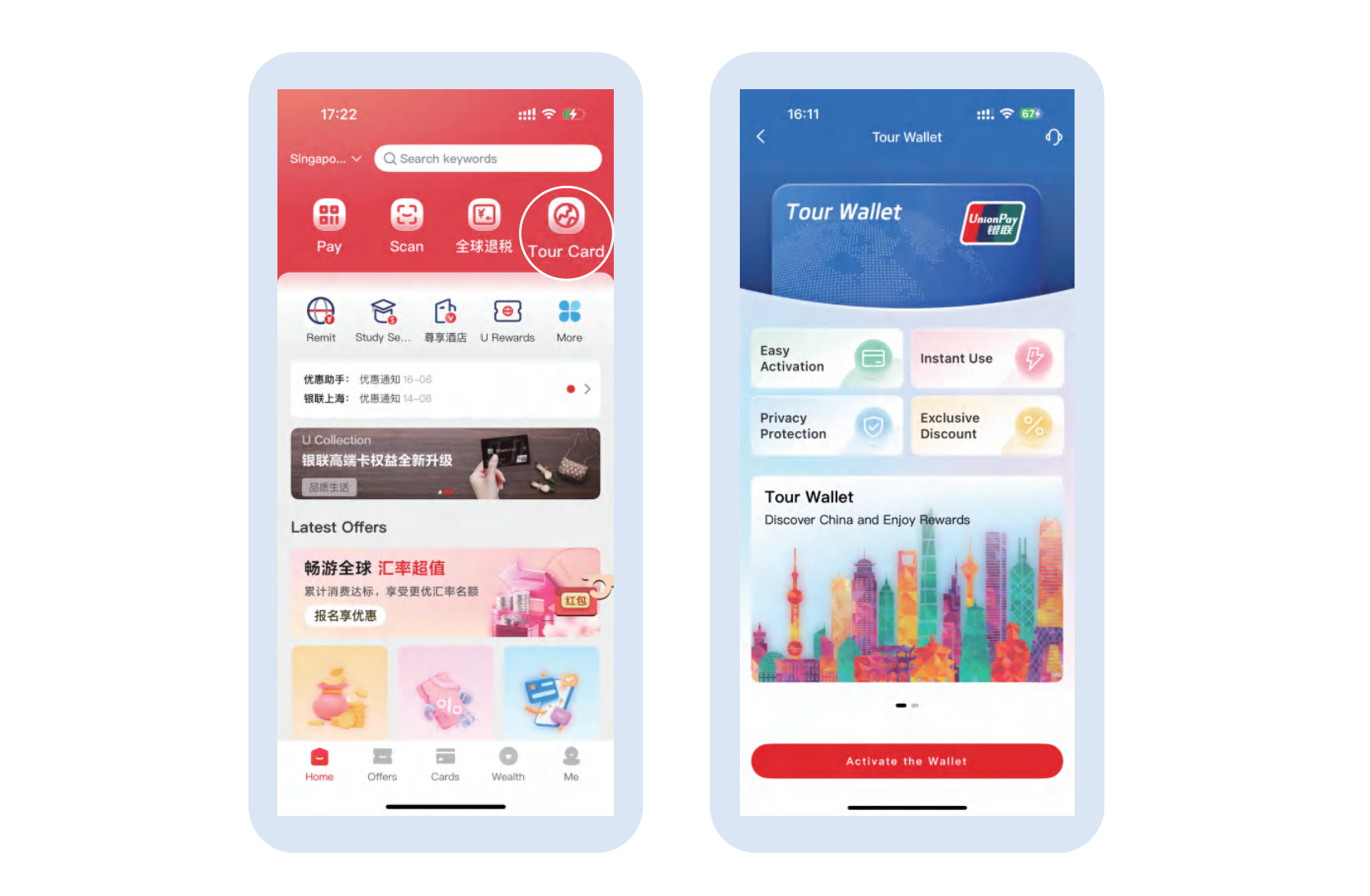
The Travel Pass is a prepaid card that you can apply for and top up on the UnionPay App and use in daily online and offline consumption scenarios.
Special Tips
When scanning the code, please pay attention to the logos of various mobile payment platforms and use the corresponding apps to scan the code.
Overseas E-Wallets
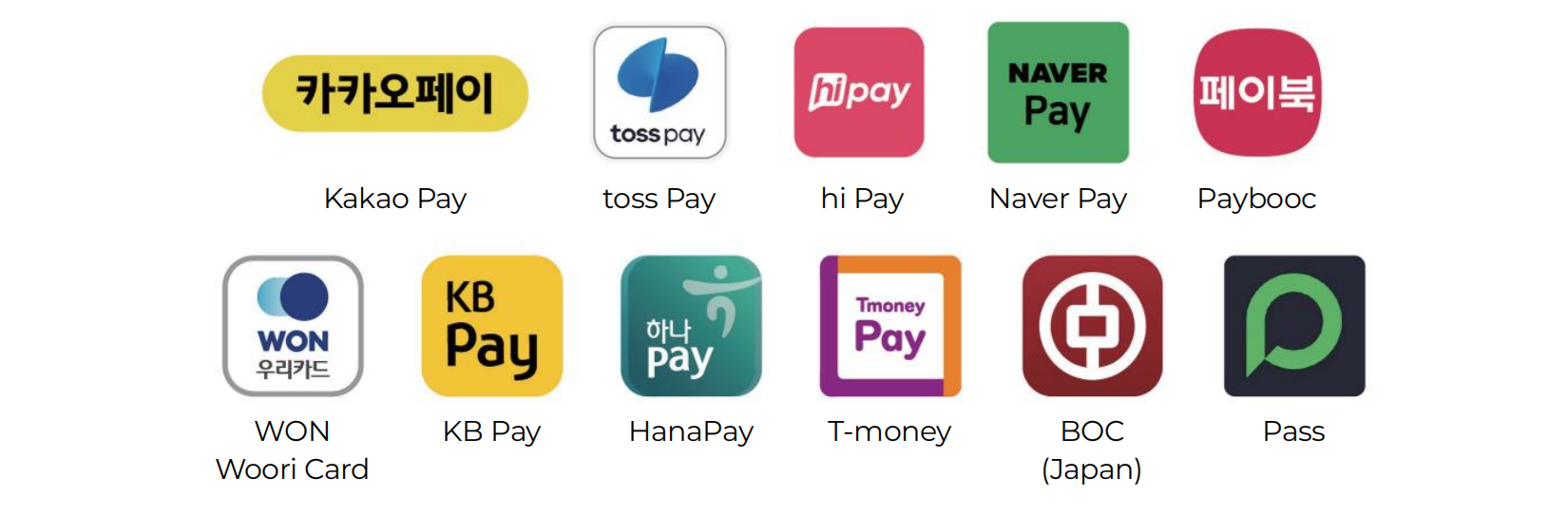
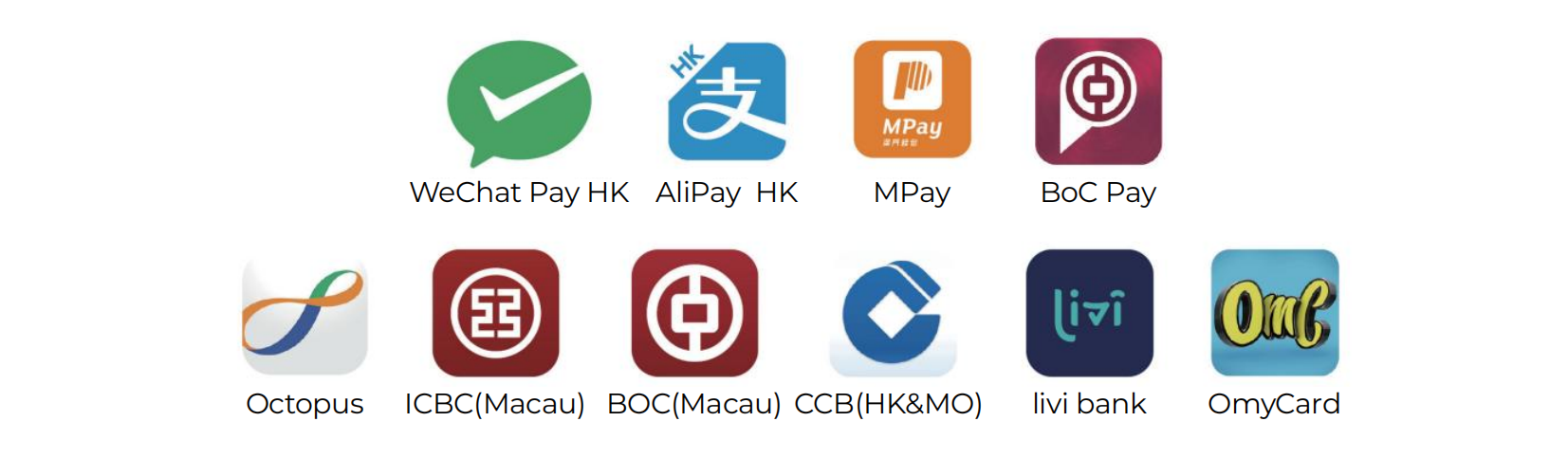
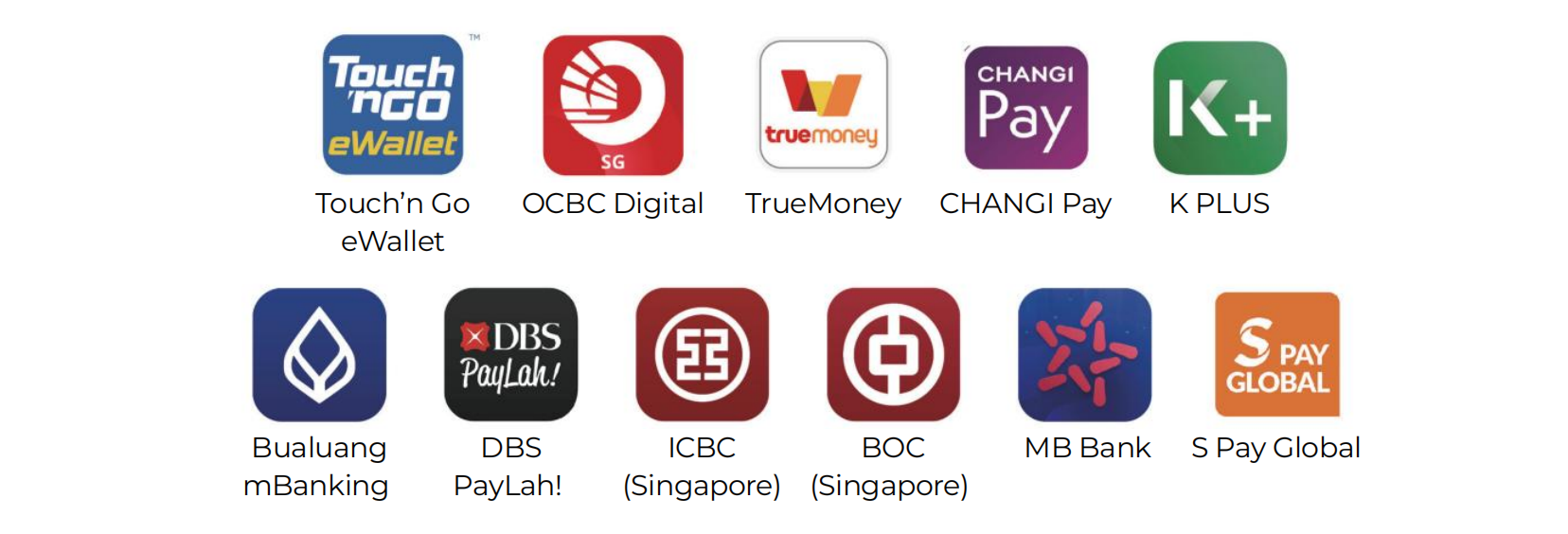
If you are a user of the following overseas e-wallets, you can directly use your existing wallet to make payments without downloading other apps.
Hong Kong and Macau SARs
Southeast Asia
Others